Streaming music has become one of the easiest ways to listen to songs, albums, and playlists. Services such as Spotify, Apple Music, and YouTube Music provide enormous catalogs, but they also require users to rely on third-party platforms. For people who already have a personal music collection, a different approach is becoming increasingly popular: self-hosted music streaming.
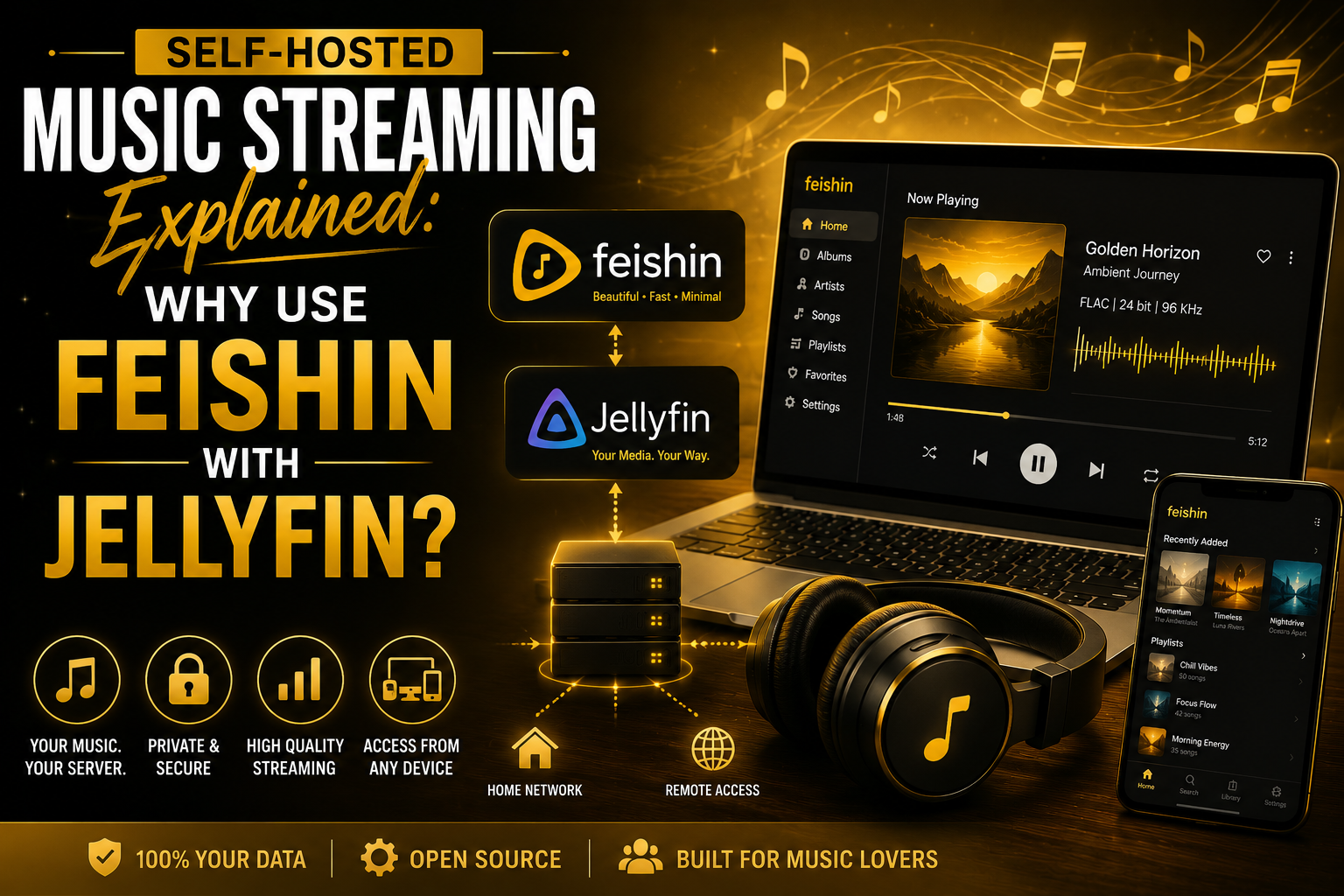
With a self-hosted setup, your own computer or server stores your music library, while software makes that collection available across your devices. One popular combination is Jellyfin and Feishin.
Jellyfin can manage and serve your personal music library, while Feishin provides a dedicated interface for browsing and playing that collection. Together, they can create a private music streaming environment without requiring a traditional commercial streaming subscription.
But what exactly is self-hosted music streaming, and why would someone want to use Feishin with Jellyfin?
Let’s take a closer look.
What Is Self-Hosted Music Streaming?
Self-hosted music streaming means storing your music collection on hardware that you control and using software to stream it to your devices.
Instead of uploading your music to a commercial service and depending on its servers, your own server becomes the central location for your collection.
A simple setup might look like this:
Your Music Files → Jellyfin Server → Network → Feishin → Headphones or Speakers
The music files remain on your server, while Jellyfin handles the library and streaming side. Feishin then acts as the music player through which you interact with the collection.
Your server could be a desktop computer, laptop, NAS device, mini PC, or another compatible machine.
This approach is particularly useful for people who have spent years building a personal collection of legally obtained music.
What Is Jellyfin?
Jellyfin is an open-source media server designed to organize and stream personal media collections.
Although Jellyfin is commonly associated with movies and television, it can also manage music libraries.
You can point Jellyfin toward folders containing your music, and it can organize information such as:
- Artists
- Albums
- Songs
- Genres
- Release information
- Album artwork
- Playlists
Once the library is configured, compatible clients can connect to the server and access the collection.
One of Jellyfin’s biggest advantages is that it is designed around user control. Your media library is hosted on infrastructure that you manage instead of being stored exclusively on a third-party streaming platform.
What Is Feishin?
Feishin is a desktop music player designed to work with Jellyfin music servers.
Instead of being another music server, Feishin functions primarily as a client. It connects to your Jellyfin server and provides an interface for browsing and playing your music.
This distinction is important.
Jellyfin handles the server-side responsibilities, while Feishin focuses on the listening experience.
That combination allows users to separate their music storage and server infrastructure from the application they use to interact with their collection.
Why Use Feishin With Jellyfin?
The main reason to combine Feishin with Jellyfin is simple: each application has a different role.
Jellyfin provides the backend infrastructure for your music collection, while Feishin provides a dedicated music-focused interface.
This can be useful for users who want more than a general-purpose media server interface.
Instead of treating your music as just another category of media, a dedicated music client can make browsing artists, albums, songs, and playlists feel more natural.
Also Read: How to Connect Feishin to a Jellyfin Server
A Better Experience for Large Music Libraries
People with only a few albums may not need a dedicated music server.
However, large collections can become difficult to manage.
Imagine having several thousand songs spread across hundreds of albums. Finding a specific artist, album, or track through ordinary file folders can quickly become inconvenient.
Jellyfin organizes the collection into a searchable media library, while Feishin gives you a music-oriented way to navigate it.
You can browse your artists and albums without manually opening folders and searching through filenames.
For collectors with large libraries, this organization can make self-hosted streaming significantly more practical.
Your Music Stays Under Your Control
One of the strongest reasons to consider self-hosting is control.
With a commercial streaming platform, the availability of music depends on licensing agreements and the decisions of the service provider.
An album that is available today might disappear tomorrow because licensing terms changed.
With a personal library, the music you legally own remains in your collection.
Self-hosting does not remove copyright restrictions, and users should only store and stream music they have the right to use. However, it does provide more control over how your personal collection is organized and accessed.
You decide where the files are stored, how they are organized, and which devices can connect to the server.
No Need to Upload Your Library to a Commercial Music Service
Another advantage is that your personal collection does not need to become dependent on a third-party music platform.
Your server can remain at home, with Jellyfin managing the library.
If you have a stable internet connection and configure remote access correctly, you can potentially access your collection while away from home as well.
For users who prefer keeping their digital media under their own management, this can be a major advantage.
High-Quality Audio Options
Self-hosting can also be attractive to listeners who maintain high-quality music files.
For example, someone might have a collection containing FLAC files or other high-quality formats.
When the server, client, network, and playback device support the source format, music can potentially be streamed without unnecessary conversion.
However, audio quality depends on the complete setup.
Factors such as transcoding, network speed, device compatibility, and playback hardware all matter.
Using a lossless file does not automatically guarantee that the listener receives the exact same stream. It is therefore worth checking Jellyfin’s playback behavior and avoiding unnecessary transcoding when practical.
Access Your Collection From Multiple Devices
A self-hosted Jellyfin server can serve as a central location for your music.
Instead of keeping separate copies of the entire collection on every computer, you can store the main library on the server and access it through compatible clients.
For example, you might maintain the collection on a home server and listen through a desktop computer using Feishin.
This centralized approach can make managing a large collection easier.
When you add new music to the server and Jellyfin properly scans the library, it becomes available through the server rather than requiring you to manually copy the same files to every device.
Self-Hosting Can Be Cost-Effective
Commercial streaming subscriptions usually involve recurring payments.
A self-hosted setup has different costs.
The software itself can be available without a traditional monthly subscription, but you still need hardware, electricity, storage, and potentially networking equipment.
If you already have a computer or NAS that can run Jellyfin, the additional cost may be relatively small.
The economics depend heavily on your situation.
Buying dedicated hardware solely for music streaming may not make financial sense for everyone. However, people who already operate a home server for other purposes can potentially add music streaming without needing another major infrastructure investment.
You Choose How Your Library Is Organized
Commercial streaming services decide how their catalogs are structured.
With a personal Jellyfin library, you have significantly more influence over your own collection.
You can maintain your preferred folder structure and metadata, while Jellyfin can use that information to organize the library.
Proper metadata becomes particularly important as your collection grows.
Consistent artist names, album titles, track numbers, genres, and artwork can make the Feishin experience much cleaner.
Taking some time to organize your library before adding thousands of files can save considerable effort later.
Playlists and Personal Collections
Another benefit of self-hosting is that your library can reflect your personal listening habits.
You may have albums that are not available on mainstream streaming services, personal recordings, legally purchased downloads, live recordings, or other music that you want to keep organized in one place.
Instead of building your listening experience entirely around a commercial catalog, your self-hosted server becomes a central hub for the music you personally want to keep.
Feishin can then provide a convenient interface for interacting with that collection.
Also Read: 10 Hidden Feishin Features Every Music Lover Should Know
What About Internet Access?
Self-hosted streaming works particularly well inside your home network, but remote access requires additional consideration.
When you’re at home, your music server and playback device may communicate over your local network.
When you’re away, your connection needs to reach the server over the internet.
This means remote streaming depends on factors such as:
- Home internet upload speed
- Remote device download speed
- Network stability
- Server availability
- Remote-access configuration
- Audio bitrate
A slow connection may cause buffering, particularly when streaming large lossless files.
For remote listening, some users may prefer appropriately compressed audio to reduce bandwidth requirements.
Is Feishin With Jellyfin Better Than Spotify?
It is not necessarily a question of one being universally better.
Spotify and similar services provide enormous catalogs and require very little technical setup. You can create an account, install an application, and start listening.
Feishin and Jellyfin take a different approach.
With self-hosting, you are responsible for the music collection and server.
That means more control, but also more responsibility.
You need to obtain your music, maintain the storage, update the software, protect the server, and troubleshoot problems when they occur.
For someone who wants convenience and access to millions of songs, a commercial service may be more suitable.
For someone who already owns a large music collection and values control, self-hosting can be much more appealing.
Is Self-Hosted Music Difficult to Set Up?
The difficulty depends on how sophisticated you want the system to be.
A basic setup does not necessarily require expensive hardware.
At a high level, the process involves:
- Choosing a computer or server.
- Installing Jellyfin.
- Adding your music library.
- Allowing Jellyfin to scan and organize the collection.
- Installing Feishin on a compatible device.
- Connecting Feishin to the Jellyfin server.
- Testing music playback.
More advanced setups may involve remote access, reverse proxies, HTTPS, network configuration, automated backups, and multiple users.
Beginners can start locally and gradually add features as they become comfortable with self-hosting.
Things to Consider Before Self-Hosting
Although the benefits are significant, self-hosting is not completely maintenance-free.
You should consider:
Storage: Large lossless libraries can require substantial disk space.
Backups: Your music collection should be backed up if the files are important to you.
Hardware: The server needs to remain available whenever you want to stream remotely.
Networking: Remote access requires appropriate network configuration.
Security: Internet-facing services should be configured carefully and kept updated.
Maintenance: You are responsible for updates and troubleshooting.
These are manageable responsibilities, but they are worth understanding before building a self-hosted system.
Final Thoughts
Self-hosted music streaming gives listeners a different way to manage and enjoy their personal collections. Instead of depending entirely on a commercial platform, you can keep your music on hardware that you control and build a streaming environment around it.
Jellyfin provides the server-side foundation for organizing and delivering your collection, while Feishin provides a dedicated interface for listening to that music.
The combination is particularly interesting for people with large personal libraries, high-quality audio files, and an interest in self-hosting.
It is not designed to replace every commercial streaming service. You have to maintain your own collection and server, and setting up remote access requires some technical knowledge.
FAQs
What is self-hosted music streaming?
Self-hosted music streaming means storing your personal music collection on a computer, NAS, or server that you control and streaming those files to your devices over a local network or the internet.
What is Jellyfin used for in a music setup?
Jellyfin acts as the media server. It organizes your music library, manages metadata and artwork, and makes your music available to compatible clients such as Feishin.
What is Feishin used for?
Feishin is a music-focused client that connects to a Jellyfin server. It provides an interface for browsing artists, albums, songs, and playlists and for playing music from your Jellyfin library.
Can Feishin play FLAC files?
Yes. Feishin can be used to play compatible high-quality audio from a Jellyfin music library. Whether the original FLAC stream is delivered without conversion depends on the server, client, network, and playback setup.
Is Feishin with Jellyfin free?
Feishin and Jellyfin are open-source software projects, so there is no traditional streaming subscription required to use the software. However, you may still have costs for server hardware, storage, electricity, and internet access.