Music streaming has become a part of everyday life. Millions of people rely on services like Spotify, Apple Music, YouTube Music, and Amazon Music to enjoy their favorite songs wherever they go. While these platforms offer convenience, they also require users to trust third-party companies with a surprising amount of personal information.
Every song you play, every artist you follow, and every playlist you create contributes to a digital profile that can be used to personalize recommendations, improve services, or, in some cases, support advertising and analytics. Although most streaming companies have privacy policies explaining how data is handled, many users are becoming more conscious of how much information they share online.
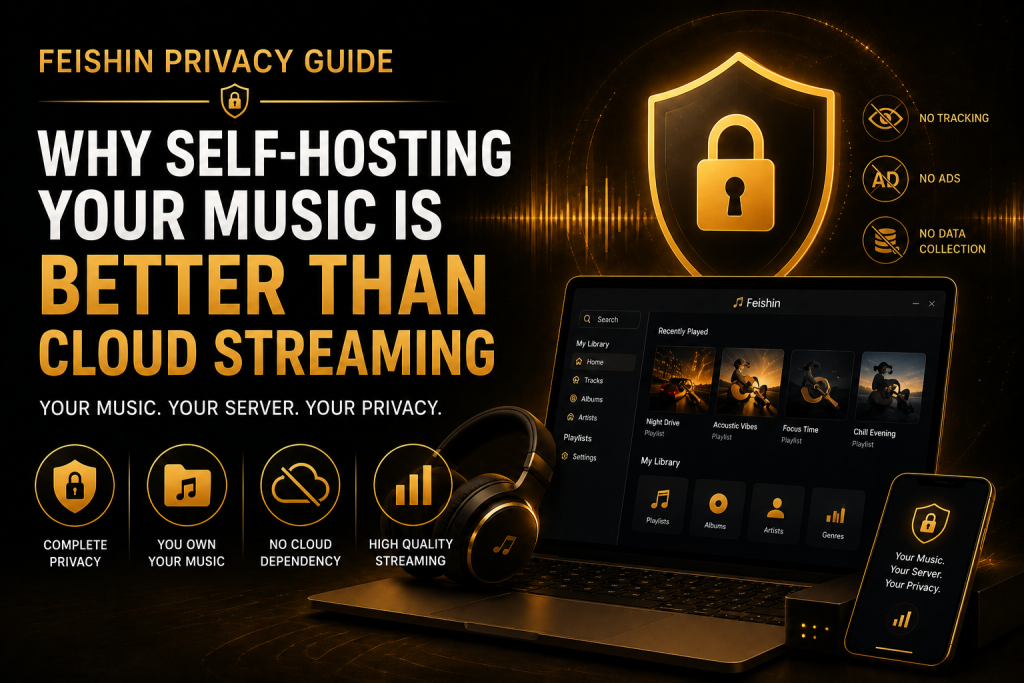
In this guide, we’ll explore why self-hosting your music with Feishin is one of the best ways to enjoy your collection while protecting your privacy.
Why Privacy Matters in Music Streaming
When people think about online privacy, they usually focus on social media or web browsing. Music streaming often feels harmless, but it also generates a significant amount of personal data.
Your listening habits can reveal:
- Your favorite genres
- Daily routines
- Workout schedules
- Sleep habits
- Travel patterns
- Emotional preferences
- Languages you speak
- Cultural interests
For example, if you regularly listen to relaxing music late at night and energetic playlists every morning, a streaming platform may use that information to personalize recommendations or improve its services. While these features can be helpful, some users prefer to keep this type of information private.
What Is Self-Hosted Music Streaming?
Self-hosting means storing your music collection on hardware that you control instead of relying entirely on a third-party streaming service.
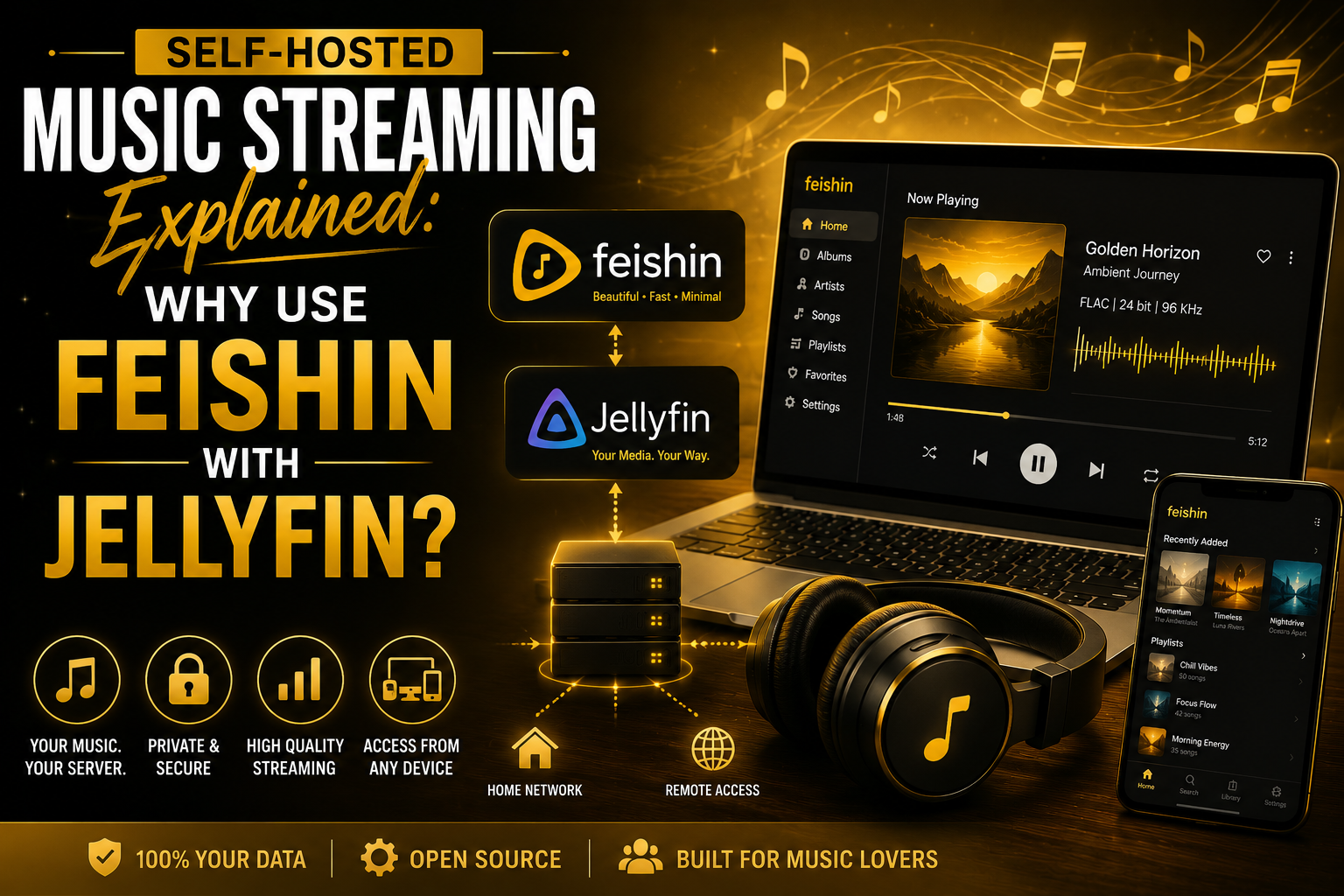
Rather than streaming songs from someone else’s servers, your music is streamed directly from your own computer, NAS (Network Attached Storage), or home server.
In a Feishin setup:
- Jellyfin stores and organizes your music library.
- Feishin connects to Jellyfin and provides a clean, modern interface for browsing and playing your collection.
This approach gives you the convenience of streaming while keeping ownership of both your music files and your listening data.
How Cloud Streaming Services Handle Your Data
Most cloud-based music services collect information to operate effectively and improve the user experience. This may include details such as recently played songs, search history, playlists, and device information. Many services also use this data to power recommendation systems that suggest artists or albums based on your listening habits.
These features are useful for many listeners, but they also mean that a large portion of your music activity is processed on servers you don’t control.
By contrast, a self-hosted setup keeps much of that activity within your own environment, reducing your reliance on external services for day-to-day music listening.
Also Read: 10 Hidden Feishin Features Every Music Lover Should Know
Meet Feishin and Jellyfin
Before discussing privacy benefits, it’s helpful to understand how these two applications work together.
Jellyfin
Jellyfin is an open-source media server that lets you organize and stream your personal media collection.
It can manage:
- Music
- Movies
- TV shows
- Podcasts
- Audiobooks
- Photos
For music, Jellyfin scans your library, reads metadata, organizes artists and albums, and securely streams your files.
Feishin
Feishin is a lightweight desktop music player designed for self-hosted media servers.
Instead of uploading music to the cloud, Feishin connects directly to your Jellyfin server.
It provides features such as:
- Fast search
- Beautiful album artwork
- Playlist management
- Artist pages
- Queue management
- Keyboard shortcuts
- Modern interface
Together, they provide a complete music streaming experience without requiring a commercial music subscription.
The Biggest Privacy Advantage: You Control Your Data
The biggest benefit of self-hosting isn’t simply saving money—it’s maintaining control.
When your music library lives on your own server:
- You decide where your files are stored.
- You choose who can access them.
- You control backups.
- You manage user accounts.
- You determine how your server is configured.
This level of control is difficult to achieve with traditional cloud streaming services, where your listening activity is tied to an online account managed by another company.
Your Music Library Belongs to You
Many streaming services license music from record labels.
Because of licensing agreements:
- Songs can disappear.
- Albums may become unavailable.
- Regional restrictions can apply.
- Artists occasionally remove their catalogs.
If you’ve purchased music or built a personal collection over the years, self-hosting ensures your library remains available regardless of licensing changes.
As long as you maintain your files, your collection stays exactly the way you organized it.
Fewer Third Parties Involved
Every online service introduces another organization responsible for storing and processing information.
With a self-hosted setup, your music is typically served directly from your own hardware rather than being streamed from a commercial music platform.
That means fewer external systems are involved in delivering your music, giving you greater visibility into how your library is managed.
No Advertisements Interrupting Your Listening
Many free music services rely on advertisements to support their platforms.
Besides interrupting playback, ad-supported services often personalize ads based on user activity.
A self-hosted music server works differently.
Since you’re streaming your own collection:
- There are no audio advertisements.
- No banner ads inside your library.
- No promotional playlists.
- No sponsored recommendations.
The result is a cleaner and more focused listening experience.
Better Control Over Your Library
With Feishin and Jellyfin, your library reflects your choices—not an algorithm’s.
You can organize music however you prefer:
- By artist
- By album
- By genre
- By decade
- By composer
- By language
- By mood
- Using custom playlists
Nothing disappears because a licensing agreement expires, and nothing is hidden behind subscription tiers.
Enjoy High-Quality Audio Without Compromise
Privacy isn’t the only advantage of self-hosting.
Many users also appreciate the ability to stream original audio files without relying on a platform’s available formats.
If your collection includes:
- FLAC
- ALAC
- WAV
- High-bitrate MP3
- AAC
Jellyfin can serve those files, and Feishin can play them with excellent quality on supported devices.
For music enthusiasts who value lossless audio, this is a major benefit.
Privacy Doesn’t Mean Sacrificing Convenience
Some people assume self-hosting is complicated or outdated.
Modern tools like Feishin prove otherwise.
You still get many conveniences users expect from today’s music apps, including:
- Fast searching
- Recently played tracks
- Favorite albums
- Custom playlists
- Beautiful album artwork
- Responsive interface
- Cross-platform support
The difference is that these features are built around your own music collection, giving you a familiar streaming experience while keeping your library under your control.
Secure Your Music Server
One of the biggest advantages of self-hosting is that you decide how your server is protected. While Jellyfin is designed with security in mind, following a few best practices will make your setup even safer.
Use Strong Passwords
Every account on your Jellyfin server should have a unique, strong password.
Avoid simple passwords like:
- 12345678
- password
- music123
Instead, create passwords that include:
- Uppercase letters
- Lowercase letters
- Numbers
- Special characters
A strong password is your first line of defense against unauthorized access.
Keep Software Updated
Both Jellyfin and Feishin receive updates that improve performance, fix bugs, and patch security vulnerabilities.
Checking for updates regularly helps ensure your server stays reliable and secure.
Whenever possible:
- Update Jellyfin
- Update Feishin
- Update your operating system
Small updates often include important security improvements.
Use HTTPS for Remote Connections
If you plan to access your music library outside your home, it’s recommended to use HTTPS encryption.
HTTPS protects the communication between your device and your server by encrypting the data during transmission.
Without encryption, information could potentially be intercepted while traveling across public networks.
Fortunately, setting up HTTPS has become much easier thanks to modern reverse proxy solutions and free SSL certificates.
Access Your Music Anywhere
One of the biggest misconceptions about self-hosting is that it only works inside your home.
In reality, once remote access is configured correctly, your library can travel with you almost anywhere.
Whether you’re:
- At work
- Traveling
- Studying at university
- Visiting family
- Sitting in a coffee shop
You can open Feishin, connect to your Jellyfin server, and continue listening to your personal music collection.
The experience feels surprisingly similar to commercial streaming services—except you’re streaming your own files.
Share Your Library with Family
Jellyfin allows multiple user accounts, making it easy to share your server with trusted family members.
Each user can have their own:
- Favorites
- Play history
- Playlists
- Listening progress
- Personal preferences
This creates a personalized experience without mixing everyone’s music history together.
Unlike some streaming platforms that limit devices or require expensive family subscriptions, you have greater flexibility in managing access to your own server.
Back Up Your Music Collection
A personal music library often represents years of collecting albums, organizing metadata, and creating playlists.
Protecting that investment is essential.
Consider backing up:
- Music files
- Jellyfin database
- Album artwork
- Playlists
- Configuration files
Many users follow the 3-2-1 backup strategy, which means keeping three copies of your data, stored on two different types of storage, with one copy kept off-site. This approach helps reduce the risk of data loss if a drive fails or another unexpected issue occurs.
Common Myths About Self-Hosting
Despite becoming more popular, self-hosting is still surrounded by several misconceptions.
Myth 1: It’s Only for Developers
Not anymore.
Modern applications like Jellyfin and Feishin offer user-friendly interfaces and installation guides.
Many users complete the entire setup without writing a single line of code.
Myth 2: It’s Very Expensive
Building a personal music server doesn’t require enterprise hardware.
Many people successfully run Jellyfin on:
- Old desktop computers
- Mini PCs
- Raspberry Pi devices
- NAS systems
- Existing home servers
If you already own a computer that stays powered on, you may already have everything you need.
Myth 3: Self-Hosting Is Slow
Performance depends largely on your hardware and network.
For local streaming, playback is usually instant.
With a stable internet connection and proper remote configuration, streaming away from home can also be smooth and reliable.
Myth 4: Cloud Streaming Always Sounds Better
Audio quality depends on the source files.
If your personal collection contains high-quality or lossless audio, self-hosting lets you enjoy those files directly instead of relying on whatever formats are available through a streaming subscription.
Also Read: Feishin Keyboard Shortcuts and Productivity Tips
Self-Hosted vs. Cloud Streaming
Here’s a quick comparison between the two approaches.
| Feature | Self-Hosted (Feishin + Jellyfin) | Cloud Streaming |
| Own Your Music | ✅ Yes | ❌ No |
| Monthly Subscription | ❌ Not Required | ✅ Usually Required |
| Privacy Control | ✅ High | Moderate |
| Ads | ❌ None | Often on free plans |
| Lossless Audio Support | ✅ Yes | Depends on the service |
Why More Music Lovers Are Choosing Self-Hosting
The popularity of self-hosted media servers continues to grow because people want greater control over their digital lives.
Instead of relying entirely on subscription-based platforms, users are building personal libraries that they fully own.
Feishin makes that experience enjoyable by providing a polished interface, while Jellyfin handles the organization and streaming behind the scenes.
Together, they combine convenience with independence.
A Few Best Practices for Long-Term Success
To keep your server running smoothly:
- Organize music using consistent folders.
- Use accurate metadata for every album.
- Add high-quality album artwork.
- Back up your library regularly.
- Keep software updated.
- Monitor available storage space.
- Remove duplicate files.
- Use secure passwords for every account.
Spending a little time on maintenance ensures your music library remains fast, organized, and enjoyable for years to come.
Final Thoughts
Streaming services have changed how we listen to music, but they aren’t the only option. If privacy, ownership, and long-term access matter to you, building your own music server is a compelling alternative.
With Jellyfin managing your library and Feishin providing a clean, modern playback experience, you can enjoy the convenience of streaming without giving up control of your collection. Your playlists, albums, and listening habits remain in your hands, and you’re free from licensing changes, intrusive advertising, and recurring subscription fees.
FAQs
Is Feishin completely private?
Feishin connects to your self-hosted media server. Your level of privacy depends on how your Jellyfin server is configured and secured, but your listening activity is generally kept within your own environment rather than being processed by a commercial music streaming service.
Does self-hosting mean I can’t stream music outside my home?
No. You can configure secure remote access, allowing you to stream your personal music library from anywhere with an internet connection.
Do I need expensive hardware to run Jellyfin?
Not at all. Many users run Jellyfin on an older computer, a mini PC, a Raspberry Pi, or a NAS device with excellent results.
Can I share my music server with family members?
Yes. Jellyfin supports multiple user accounts, so each family member can have their own playlists, favorites, and listening history.
Will I lose my music if an artist removes an album from streaming platforms?
No. If you own the music files in your personal library, they remain available on your server regardless of changes made by commercial streaming services.