Streaming services like Spotify, Apple Music, and YouTube Music have made listening to music incredibly convenient. But they also come with limitations. Songs can disappear due to licensing changes, audio quality may vary, and you need an active subscription to unlock many premium features. For music enthusiasts who have spent years building a personal collection, relying entirely on commercial streaming platforms isn’t always the best solution.
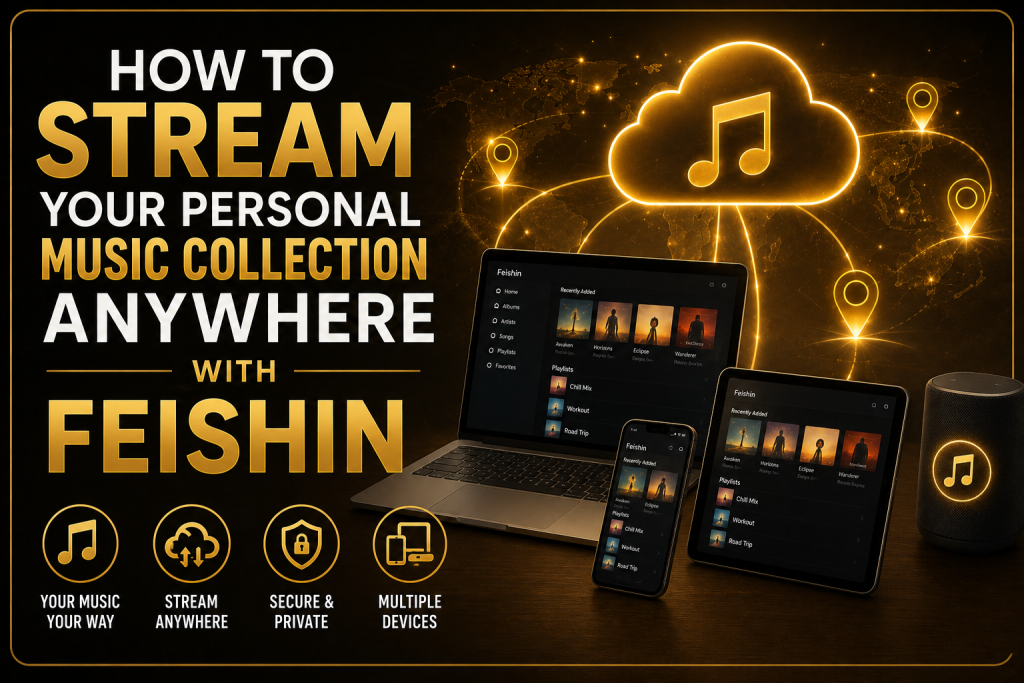
In this guide, you’ll learn how to stream your personal music collection anywhere with Feishin, including the setup process, recommended servers, security tips, and best practices for a smooth listening experience.
What Is Feishin?
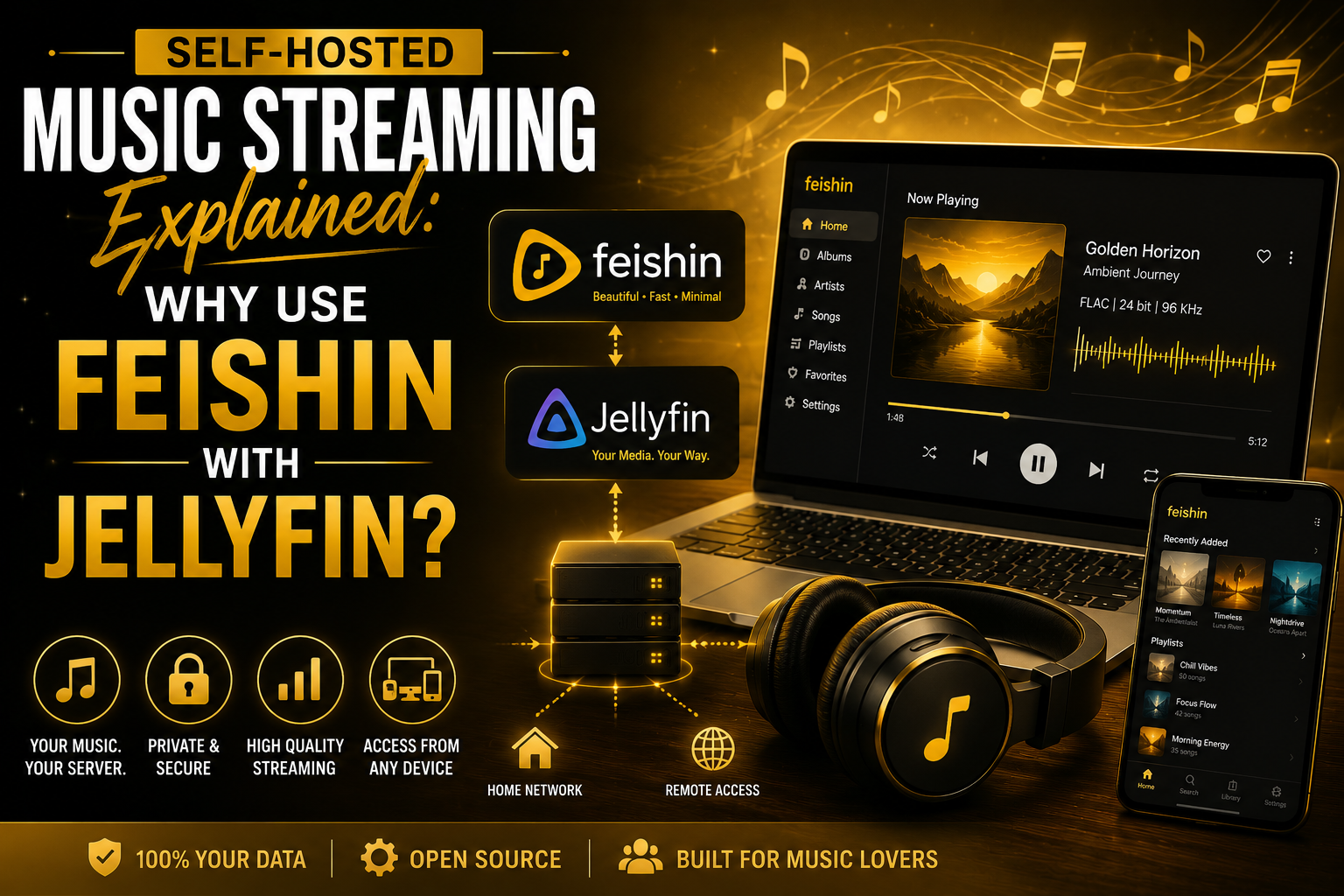
Feishin is a modern desktop music player designed to connect with self-hosted music servers such as Jellyfin, Navidrome, Airsonic, and other Subsonic-compatible platforms.
Unlike traditional media players that depend on local folders, Feishin streams your music directly from your server. This approach gives you a centralized library that can be accessed from multiple devices while keeping your music collection under your control.
Key features include:
- Beautiful and intuitive interface
- Playlist support
- Album artwork display
- Artist and album browsing
- Queue management
- Search functionality
- Compatibility with multiple media servers
Why Stream Your Own Music?
Many people already own thousands of songs collected over the years.
Instead of storing duplicate copies on multiple computers, streaming from a personal server offers several advantages.
Access Your Entire Library
No matter where you are, your complete collection is available as long as your server is online.
Full Ownership
Your music belongs to you. Albums won’t disappear because of licensing agreements or subscription changes.
Better Audio Quality
You decide the quality of your files, whether they’re MP3, AAC, OGG, or lossless FLAC.
No Monthly Music Subscription
Once your server is configured, you don’t need to pay recurring fees just to access your own collection.
Cross-Device Convenience
Your playlists, favorites, and library remain available wherever you sign in to Feishin.
What You’ll Need
Before you begin, make sure you have the following:
- A computer to host your music server
- A stable internet connection
- Your music collection
- Feishin installed on your desktop
- A supported media server
- Administrator access to your server
Having these essentials in place makes the setup process much easier.
Also Read: How to Sync Feishin Across Multiple Devices
Step 1: Choose a Media Server
Feishin doesn’t store music itself. Instead, it connects to a media server that manages your library.
Some of the most popular choices include:
Jellyfin
Jellyfin is a free, open-source media server capable of managing music, movies, TV shows, and photos.
Advantages include:
- User-friendly interface
- Active development
- Excellent music support
- Multiple user accounts
- Remote streaming capabilities
Navidrome
Navidrome is designed specifically for music streaming.
Benefits include:
- Lightweight
- Fast indexing
- Low resource usage
- Excellent compatibility with Feishin
For users interested only in music, Navidrome is often one of the best options.
Airsonic and Other Subsonic Servers
Several servers implement the Subsonic API supported by Feishin.
These servers provide similar functionality, including:
- Music streaming
- Playlist synchronization
- Artist browsing
- Library management
Choose the server that best fits your needs and technical experience.
Step 2: Organize Your Music Collection
A clean library improves browsing and search performance.
A recommended folder structure looks like this:
Music/
   Artist/
      Album/
         01 - Song.mp3
         02 - Song.mp3
Avoid:
- Duplicate folders
- Missing album names
- Inconsistent file names
- Poor metadata
Proper organization makes your library much easier to navigate.
Step 3: Add Your Library to the Server
After installing your server:
- Open the server dashboard.
- Add your Music folder.
- Start a library scan.
- Wait for indexing to complete.
Depending on the size of your collection, this may take anywhere from a few minutes to several hours.
Once finished, your music library becomes available for streaming.
Step 4: Install Feishin
Download and install Feishin on your desktop computer.
It is available for major operating systems, including:
- Windows
- macOS
- Linux
The installation process is straightforward and only takes a few minutes.
Step 5: Connect Feishin to Your Server
Launch Feishin and enter your server details.
Typically, you’ll need:
- Server URL
- Username
- Password
For example:
http://192.168.1.15:4533or
https://music.example.comAfter logging in, Feishin automatically loads your library, including artists, albums, playlists, and album artwork.
Step 6: Enable Remote Access
Streaming from home is easy, but accessing your library while traveling requires remote connectivity.
Common methods include:
- Reverse proxy
- Secure HTTPS domain
- VPN
- Secure port forwarding
Whenever possible, use HTTPS encryption to protect your connection.
Browsing Your Music Library
Feishin makes exploring large collections simple.
You can browse by:
- Artist
- Album
- Song
- Playlist
- Genre
- Recently Added
- Favorites
The clean interface allows you to quickly locate exactly what you want to hear.
Create Playlists
Playlists make organizing music much easier.
Examples include:
- Morning Coffee
- Workout Mix
- Relaxing Piano
- Road Trip
- Evening Jazz
When supported by your server, playlists synchronize automatically across every device connected to your account.
Search Instantly
Instead of scrolling through thousands of songs, simply use Feishin’s search feature.
Search by:
- Artist name
- Album title
- Song title
- Playlist
Results appear quickly, even in large music libraries.
Stream High-Quality Audio
One of the biggest advantages of hosting your own music is audio quality.
Feishin supports a variety of formats depending on your media server, including:
- MP3
- AAC
- OGG
- FLAC
- ALAC
- WAV
This gives you complete control over your listening experience.
Access Your Music Anywhere
Once remote access is configured, your music library travels with you.
You can listen while:
- Working at the office
- Visiting family
- Traveling
- Studying
- Relaxing in a café
As long as your server is online and your internet connection is stable, your collection is always available.
Keep Your Library Updated
Adding new music is simple.
Just:
- Copy the new files into your Music folder.
- Run a library scan.
- Refresh Feishin.
Your newly added albums will appear automatically after indexing completes.
Share Your Server with Family
Many media servers support multiple user accounts.
Each user can have:
- Personal playlists
- Individual favorites
- Separate listening history
- Customized recommendations
This makes Feishin an excellent solution for households with multiple music lovers.
Also Read: Feishin System Requirements and Supported Operating Systems
Improve Streaming Performance
For the best experience:
- Store your music on an SSD.
- Use wired Ethernet whenever possible.
- Keep metadata organized.
- Compress oversized album artwork.
- Keep your server updated.
- Restart your server occasionally.
These simple practices improve loading times and reduce buffering.
Protect Your Music Server
If you’re exposing your server to the internet, security should be a priority.
Good practices include:
- Strong passwords
- HTTPS encryption
- Regular software updates
- Firewall protection
- VPN access when possible
- Monitoring login activity
A secure server protects both your music and your personal information.
Common Streaming Problems
Cannot Connect to Server
Possible causes:
- Incorrect server address
- Firewall restrictions
- Server offline
- Wrong login credentials
Double-check your configuration before troubleshooting further.
Albums Not Appearing
Usually caused by:
- Missing library scan
- Incorrect music folder
- Metadata problems
Running another scan typically resolves the issue.
Slow Streaming
Possible reasons include:
- Weak Wi-Fi
- Slow internet connection
- Overloaded server
- High CPU usage
Using Ethernet often improves performance significantly.
Missing Album Artwork
Artwork issues may occur because:
- Images are missing
- Metadata is incomplete
- Cache needs refreshing
Refreshing the library or clearing the cache often fixes the problem.
Best Practices for Long-Term Use
To keep your streaming experience reliable:
- Organize folders consistently.
- Maintain accurate metadata.
- Back up your music collection regularly.
- Update Feishin and your server software.
- Remove duplicate files.
- Monitor available storage.
Routine maintenance keeps your library fast and easy to manage.
Final Thoughts
Streaming your own music collection with Feishin is an excellent alternative to relying entirely on commercial music streaming services. By connecting Feishin to a self-hosted media server such as Jellyfin or Navidrome, you gain complete control over your music library while enjoying the convenience of streaming it from virtually anywhere.
Whether your collection contains a few hundred songs or tens of thousands of tracks, Feishin offers a clean, responsive, and feature-rich interface that makes browsing, organizing, and listening enjoyable. With proper server configuration, secure remote access, and regular library maintenance, you can build a reliable personal music streaming system that keeps your favorite albums and playlists available wherever life takes you.
FAQs
Can Feishin stream music outside my home network?
Yes. If your media server is configured for secure remote access using HTTPS, a VPN, or another supported method, Feishin can stream your music from virtually anywhere with an internet connection.
Does Feishin store my music files?
No. Feishin acts as a client application. Your music remains on your self-hosted media server, and Feishin streams it when needed.
Which media server works best with Feishin?
Both Navidrome and Jellyfin are excellent choices. Navidrome is lightweight and optimized for music, while Jellyfin is ideal if you also want to manage movies, TV shows, and other media.
Can I stream lossless audio?
Yes. As long as your media server supports it, Feishin can stream lossless formats such as FLAC and ALAC, giving you high-quality audio playback.
Do playlists sync across devices?
Yes. When your server supports playlist synchronization, playlists created or edited on one device are available on every other device connected to the same account.